

In my previous post, I mentioned VoxBee as an app I use for speech-to-text. Today, I am going to talk more about what it is and what it has become.
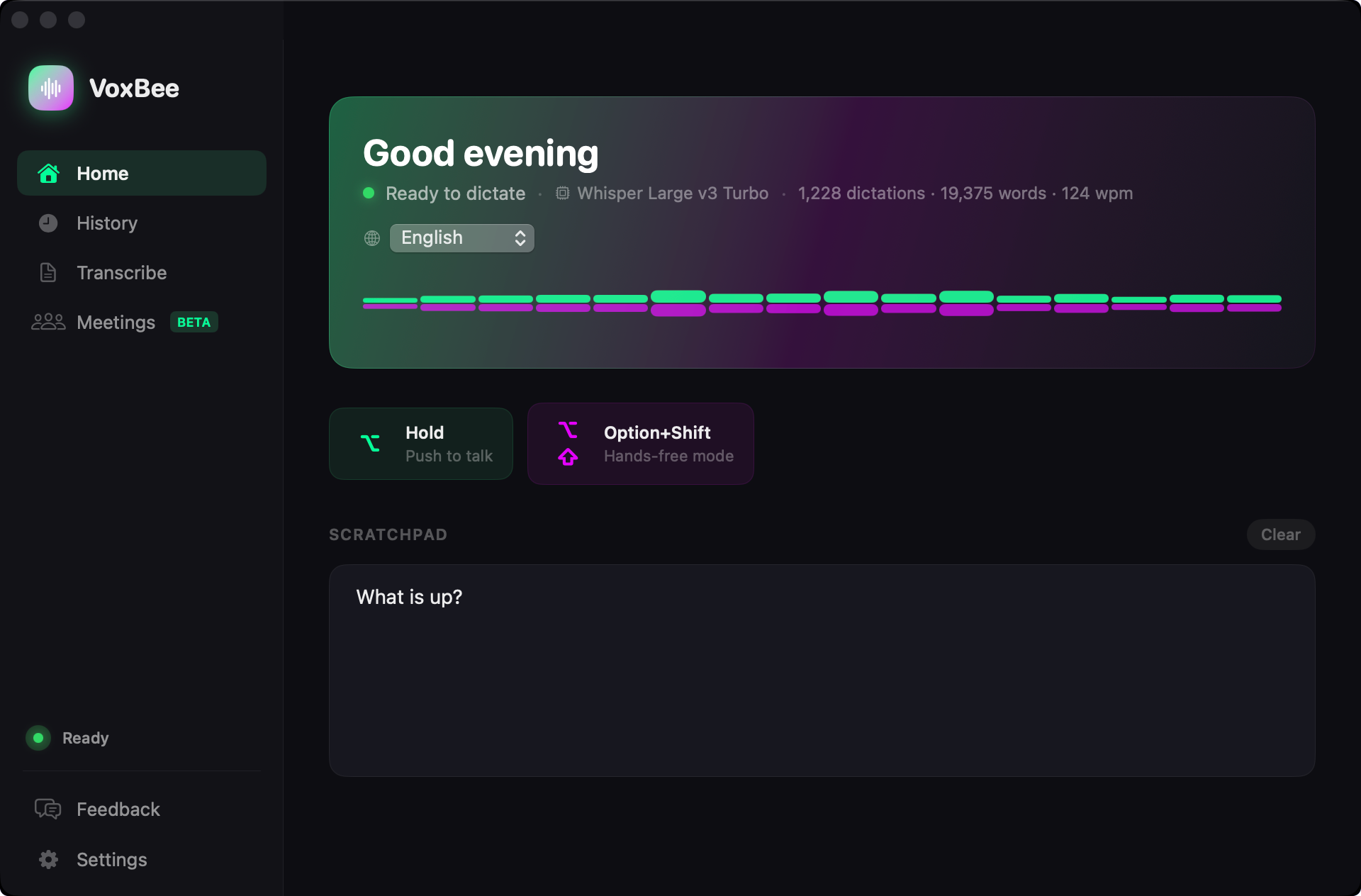
It started when I began using speech-to-text apps like WisprFlow. I quickly speech-to-text is probably one of the best interfaces with a computer (well, the only thing that beats that is directly connecting to the brain like Neuralink, but we are a bit far from that commercialization). But as I dug deeper, I realized that we don’t need WisprFlow. We can have a complete audio platform in a single app that does most things locally (yes, speech models can run locally on today’s hardware) and doesn’t require subscriptions (Who here likes monthly subscriptions? I don’t.).
Enter VoxBee.
An audio super app made for MacOS and Linux
The average human typing speed is 40 to 70 words per minute, where 70 is really advanced. Whereas after using VoxBee, you’ll quickly notice that the average human speaking speed is 125 to 150 words per minute. So, if you are speaking instead of typing, you get around 3-4x the speed on average.
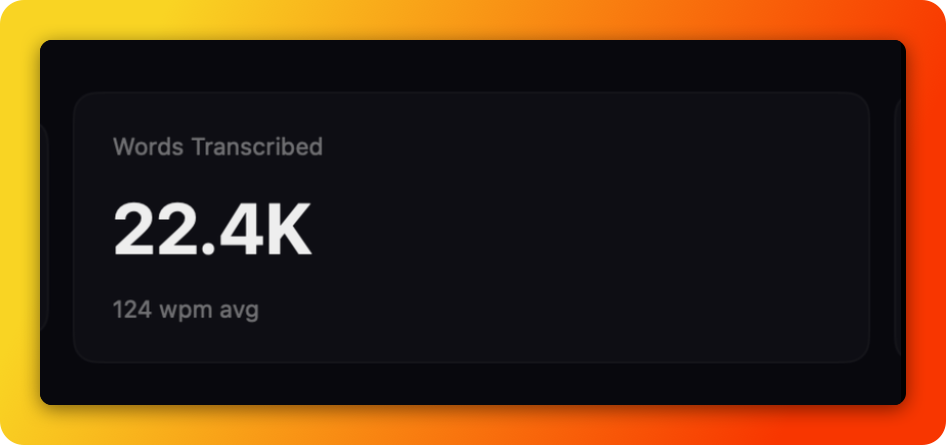
For example, I’ve spoken 22.4k words at an average of 124 wpm, with over 9 hours and 30 minutes of typing saved.
If you can convert your speech to text easily, then you can now do things even faster.
But that’s not the only thing it can do.
It’s an all-in-one audio platform with multiple capabilities:
Converts speech to text in multiple languages on any browser or application, anywhere.
Autocorrects grammar when you are speaking English.
Add domain-specific dictionary words so it can auto-correct them.
Transcribes a recorded audio file to text. You just need to upload a file, and voila, you see the text.
Transcribes YouTube/X, etc., podcast videos into actionable insights with summaries.
Record online and offline meetings non-invasively with a single click, and once you stop the meeting, it will summarize everything from the call.
And much more soon.
How is it different from other tools out there?
It’s not a subscription service, so you don’t have to pay every month. You just pay once and use it forever. All updates and fixes are shipped directly to you for free.
It’s not just speech-to-text; it’s turning into an audio platform. So one app to rule them all.
We care about privacy, so your speech or text doesn’t leave your machine.
You can work on it even if you are offline.
Recently, I shared a video on how to use the podcast summary feature on VoxBee. Check out the 3-minute video below and follow my channel for more videos, tips, and tricks on using VoxBee.
If you want to elevate your day-to-day work, try VoxBee for free for 14 days and see how it makes you more productive.